Welcome to the DA VIKING CODE blog
The studio blog is live: field notes, tutorials and behind-the-scenes — across web development, video games, real-time 3D and cybersecurity.
The DVC team

Headings, lists, quotes, code… This tutorial shows every Markdown block the blog supports and how each one renders.
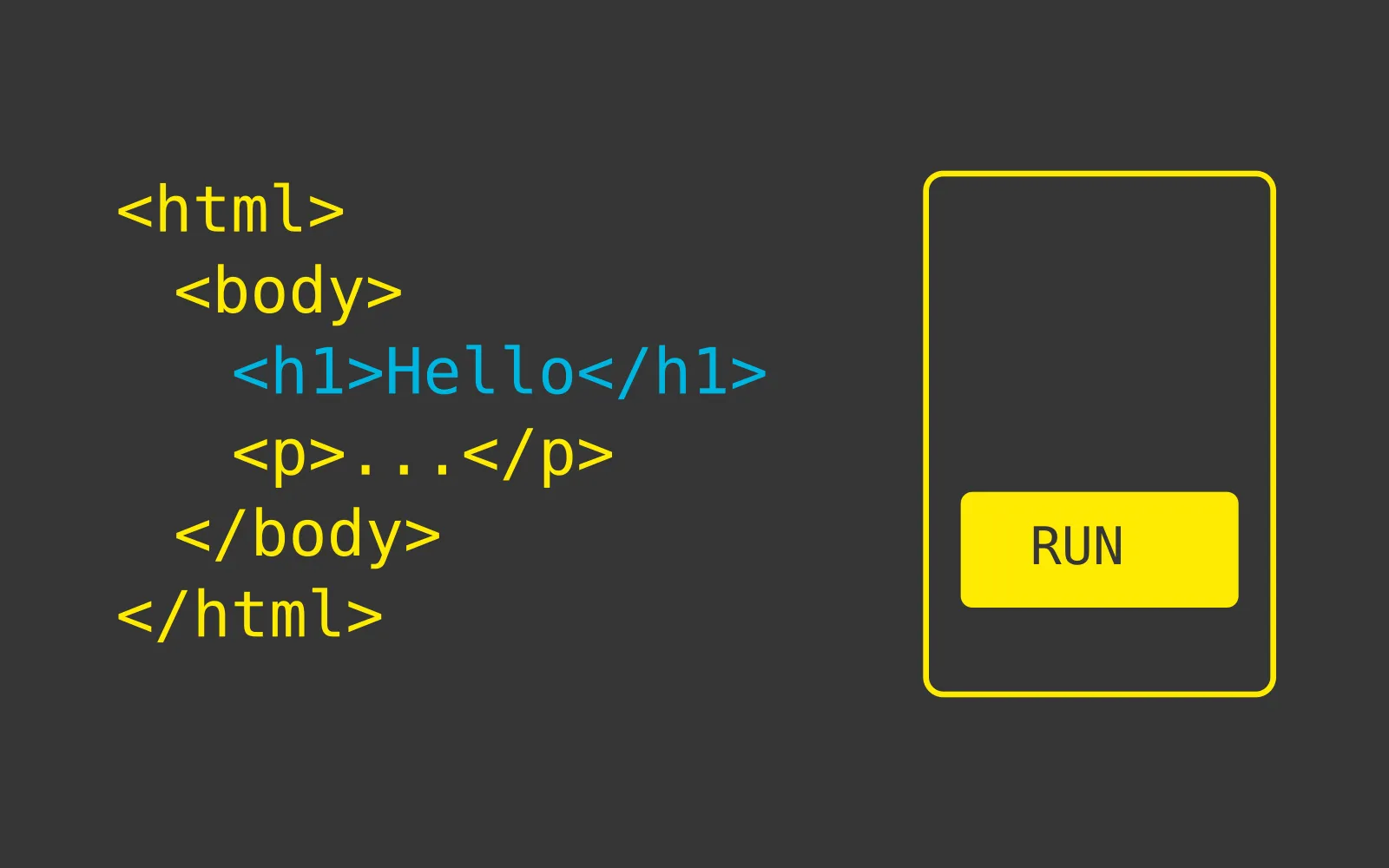
An article on this blog is a plain Markdown file: src/content/blog/en/my-slug.md for English, src/content/blog/fr/my-slug.md for French — same file name, same article. This reference post shows how every available block renders.
A level-2 heading (##) structures the article, exactly like the one right above. It is the only heading level used inside an article body.
A paragraph is a simple block of text. It can contain bold, italic and inline code to quote a file name or a command.
Bullet lists get the brand’s “yellow diamond” style:
inline code when needed.A quote is highlighted in a dark block with the big yellow quotation mark:
A good learning tool is the one you forget about — it must never stand between the learner and the knowledge.
A code block sits between triple backticks, with an optional language:
const posts = await getCollection('blog');
const english = posts.filter((p) => p.id.startsWith('en/'));
console.log(`${english.length} articles in English`);An image lives in src/assets/blog/ (shared between both languages) and is referenced with a relative path. At build time sharp converts it to WebP and bakes several widths (srcset) — the browser downloads the size that fits:
Every file starts with a YAML header: title, excerpt, date, author, category, tags, readTime, illu, accent, plus the featured flag for the hero. The category and illustration are picked from the studio’s fixed sets — the build fails on an unknown value, so there is no way to get it silently wrong.
The studio blog is live: field notes, tutorials and behind-the-scenes — across web development, video games, real-time 3D and cybersecurity.
 Client
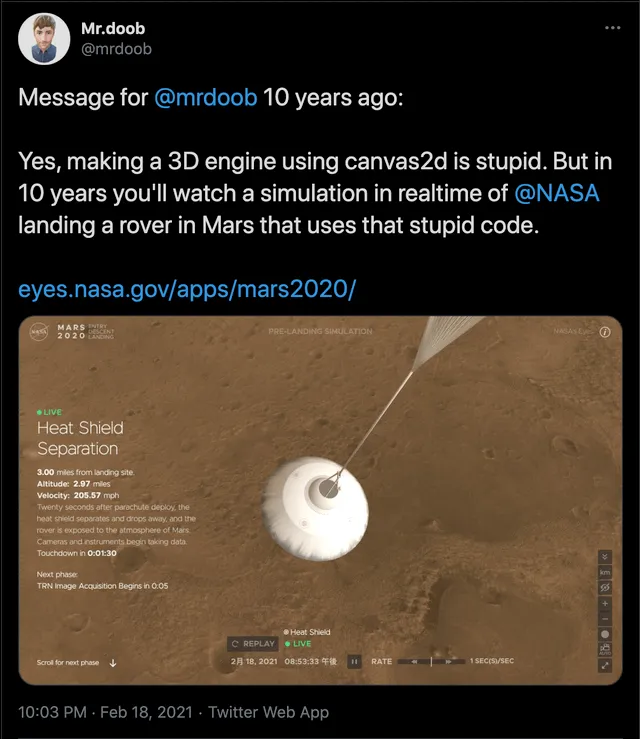
Good tools for having graphics & dev team working closely together has always been important for providing awesome digital experience! Back then, Macromedia/Adobe Flash was a 2D tool bringing together artists &…
Or the GeoJSON, D3.js to Three.js pipeline. It has been a while since our latest Three.js project! We're mostly playing with Unity, but it's always a nice feeling to get back to…