Vectorized, extruded, and spatialized map data.
Or the GeoJSON, D3.js to Three.js pipeline. It has been a while since our latest Three.js project! We're mostly playing with Unity, but it's always a nice feeling to get back to…
Aymeric Lamboley

Today a quick tip for a huge trick! Working with Unity is pretty awesome until you have to make a build on an other platform than your current one! Depending your project…
Today a quick tip for a huge trick!
Working with Unity is pretty awesome until you have to make a build on an other platform than your current one! Depending your project size (number of assets etc.), just changing your current platform for Android to iOS or vice versa could take one hour… yup seriously! During that time you won’t be able to work on your project and your computer’s CPU will be pretty busy… so time for a long break? Until now!
This tip is based on something well known in Unity community: the library folder is recreated when you change your current target, and so it takes lot of time. This could be optimized by keeping a copy of this folder before changing platform and restore them later when returning back!
We need to use an editor script for doing that, here we go:
using UnityEditor;
using UnityEngine;
using System;
using System.Collections;
using System.IO;

public class FastBuildSwitcher:ScriptableWizard {

	public BuildTarget buildTarget = EditorUserBuildSettings.activeBuildTarget;

	[MenuItem("Tools/Fast Build Switcher")]
	static void CreateWizard () {

		ScriptableWizard.DisplayWizard<FastBuildSwitcher>("Switch Platform", "Switch");
	}

	void OnWizardCreate() {

		//Debug.Log("current platform: " + EditorUserBuildSettings.activeBuildTarget);
		//Debug.Log("next platform: " + buildTarget);

		if (EditorUserBuildSettings.activeBuildTarget == buildTarget) {

			Debug.LogWarning("You set the same next platform than the current one!");

			return;
		}

		//save current Library folder state
		if (Directory.Exists("Library-" + EditorUserBuildSettings.activeBuildTarget))
			DirectoryClear("Library-" + EditorUserBuildSettings.activeBuildTarget);

		DirectoryCopy("Library", "Library-" + EditorUserBuildSettings.activeBuildTarget, true);

		//restore new target Library folder state
		if (Directory.Exists("Library-" + buildTarget)) {

			DirectoryClear("Library");
			Directory.Delete("Library", true);

			Directory.Move("Library-" + buildTarget, "Library");
		}

		EditorUserBuildSettings.SwitchActiveBuildTarget(buildTarget);
	}

	void DirectoryClear(string FolderName) {
		DirectoryInfo dir = new DirectoryInfo(FolderName);

		foreach(FileInfo fi in dir.GetFiles())
			fi.Delete();

		foreach (DirectoryInfo di in dir.GetDirectories()) {

			DirectoryClear(di.FullName);
			di.Delete(true);
		}
	}

	void DirectoryCopy(string sourceDirName, string destDirName, bool copySubDirs) {

		DirectoryInfo dir = new DirectoryInfo(sourceDirName);
		DirectoryInfo[] dirs = dir.GetDirectories();

		// If the source directory does not exist, throw an exception.
		if (!dir.Exists)
			throw new DirectoryNotFoundException("Source directory does not exist or could not be found: " + sourceDirName);

		// If the destination directory does not exist, create it.
		if (!Directory.Exists(destDirName))
			Directory.CreateDirectory(destDirName);

		// Get the file contents of the directory to copy.
		FileInfo[] files = dir.GetFiles();

		foreach (FileInfo file in files) {
			// Create the path to the new copy of the file.
			string temppath = Path.Combine(destDirName, file.Name);

			// Copy the file.
			file.CopyTo(temppath, false);
		}

		// If copySubDirs is true, copy the subdirectories.
		if (copySubDirs)
			foreach (DirectoryInfo subdir in dirs) {

				// Create the subdirectory.
				string temppath = Path.Combine(destDirName, subdir.Name);

				// Copy the subdirectories.
				DirectoryCopy(subdir.FullName, temppath, copySubDirs);
			}
	}
}
The downside is you should not use anymore Unity build panel for changing platform but our custom window in Unity menu: Tools/Fast Build Switcher. Obviously note each time you’ve added new assets, it will take some time to import them into the Library folder. Before this script, on a new project with many sprites (more than 1000 512x512!) it takes me 30-40 minutes to change platform, now it’s less than 3! I also tested Unity Cache Server, it is free now, running it in localhost but it wasn’t as fast as this custom script!
Let me know how it goes for you :D
Or the GeoJSON, D3.js to Three.js pipeline. It has been a while since our latest Three.js project! We're mostly playing with Unity, but it's always a nice feeling to get back to…
 Lab
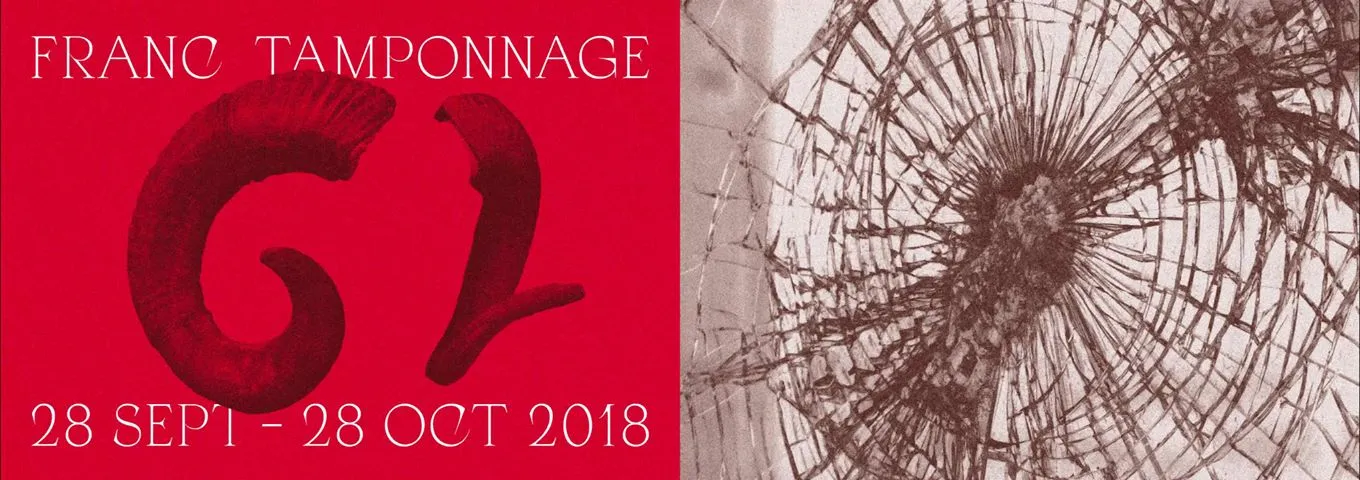
LabMagna Vox is an association located at Dijon organizing concerts in the Burgundy Franche Comté region. In 2017 we already participate to the Franc Tamponnage's edition, with some applications you can find…
 Lab
LabDuring one month, our Bourgogne Franche Comté region was in trouble: the music festival, called Franc Tamponnage, for alternative, electronic and extreme kind was in progress. Our friends at Magna Vox planned…