Vectorized, extruded, and spatialized map data.
Or the GeoJSON, D3.js to Three.js pipeline. It has been a while since our latest Three.js project! We're mostly playing with Unity, but it's always a nice feeling to get back to…
Aymeric Lamboley

Git is an awesome version control system, popularized by Github. Working on a big project, you might need to add (huge) binaries, or libraries, or even psds, videos... to your repository. We'll…
Git is an awesome version control system, popularized by Github. Working on a big project, you might need to add (huge) binaries, or libraries, or even psds, videos… to your repository. We’ll not judge this method, it has its pros & cons. The fact is: if those big files change often, your repository will increase very quickly. And sometimes your own code versioning is not a big deal. It’s stable, and for newcomer it doesn’t need all the git history and its 4Go (yeah, I already experienced that). So let see how to reset your git repository to a new commit:
Firsty, save your local .git/config file somewhere on your disk. Then:
rm -rf .git
git init
Import and overwrite your previous .git/config file. Then:
git add .
git commit -m "Repository reset"
git push -f origin master
Et voilà!
A cool thing to notice is on Github and Bitbucket, you won’t lost data subscriptions, stars & forks.
Maybe you need a backup on a specific URL just in case…? Just create a new repository, and in your .git/config file change the url and push ;)
Or the GeoJSON, D3.js to Three.js pipeline. It has been a while since our latest Three.js project! We're mostly playing with Unity, but it's always a nice feeling to get back to…
 Lab
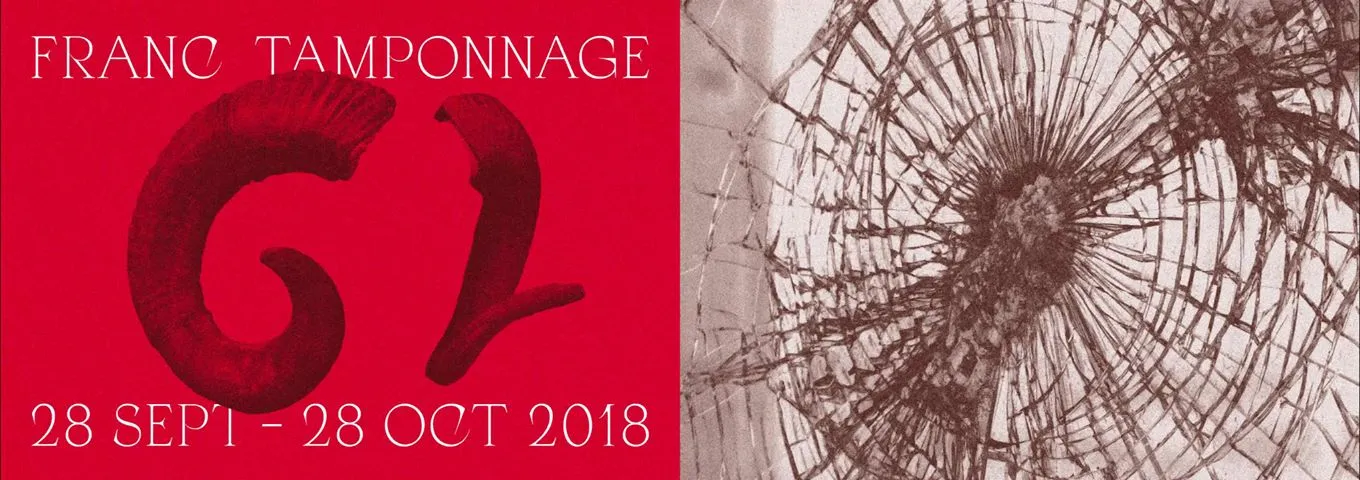
LabMagna Vox is an association located at Dijon organizing concerts in the Burgundy Franche Comté region. In 2017 we already participate to the Franc Tamponnage's edition, with some applications you can find…
 Lab
LabDuring one month, our Bourgogne Franche Comté region was in trouble: the music festival, called Franc Tamponnage, for alternative, electronic and extreme kind was in progress. Our friends at Magna Vox planned…